Invite teammates to collaborate on questionnaires, contribute to sources, and use Vera to answer their questions.
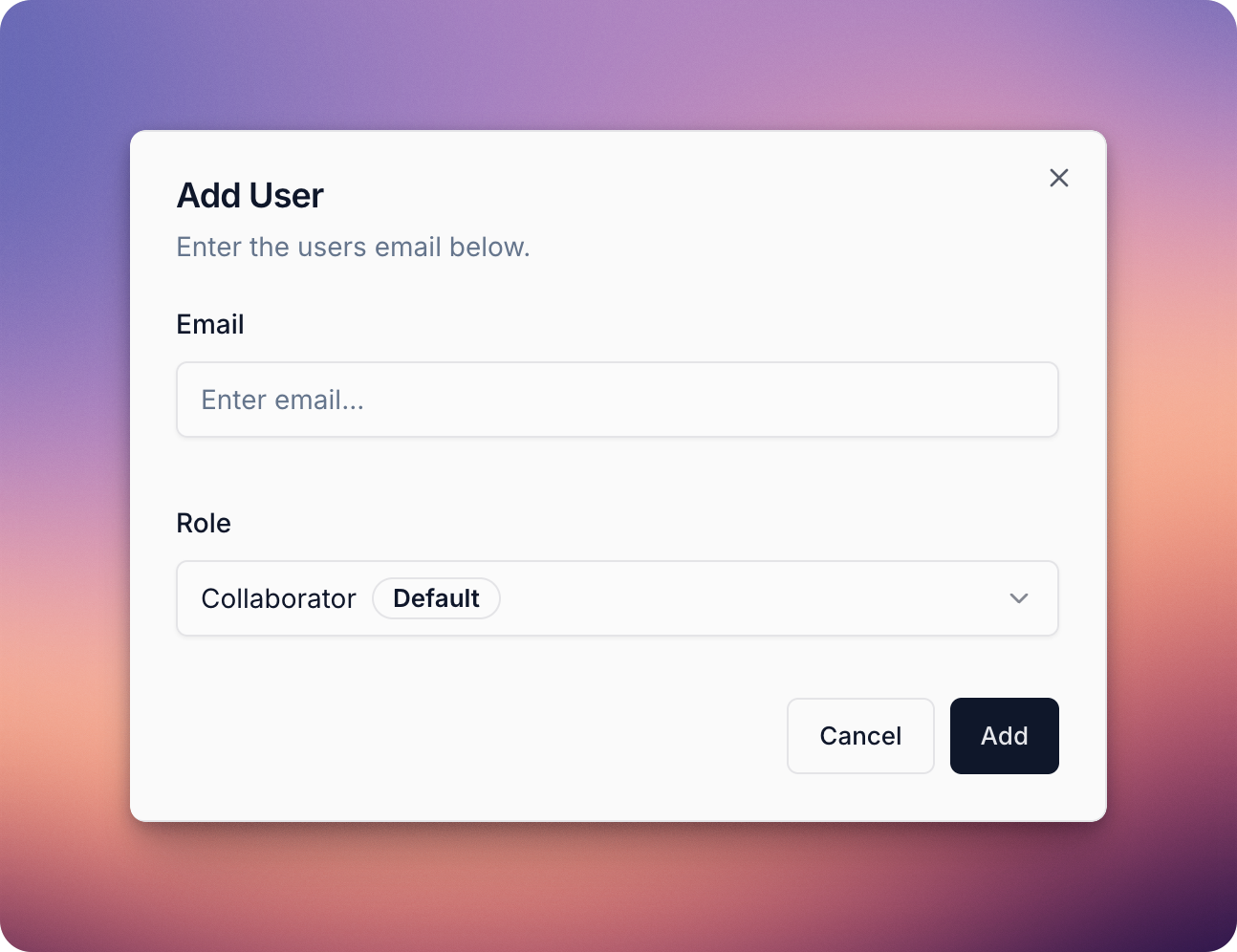
Navigate to Settings > Users & Roles and click Invite User. Enter your teammate’s email address, adjust their role if needed, and click Add.
Your teammate will receive an invitation email. After confirming their email address by clicking the link, they’ll be able to create their account and join your workspace.
Role-based access control (RBAC) allows you to manage what each user in your Vera workspace can do. By assigning roles, you can ensure teammates have the right level of access and protect sensitive information.
Vera includes two built-in roles:
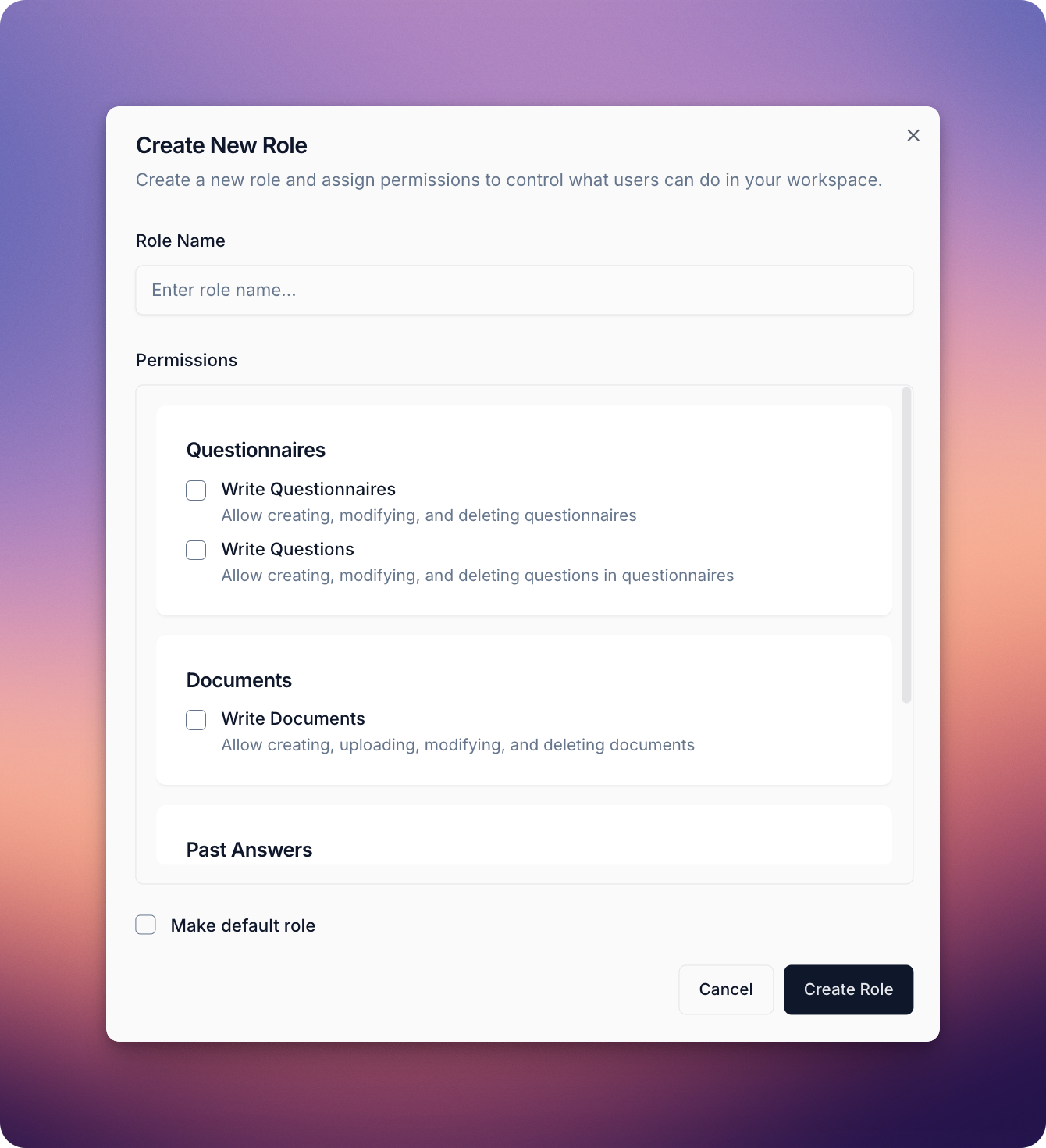
If the built-in roles don’t fit your needs, you can create custom roles by selecting specific permissions. This allows you to tailor access so teammates only have the rights required for their role in your workflow.
To create a new role, navigate to Settings > Users & Roles, and click on the Roles tab. From there:
If you have any questions, please reach out to our support team at support@getvera.ai.