To speed up your work, Vera offers powerful bulk actions you can use on multiple Questions, Past Answers, and Documents at once. Here’s how to make the most of them.
To open the Bulk Actions Menu
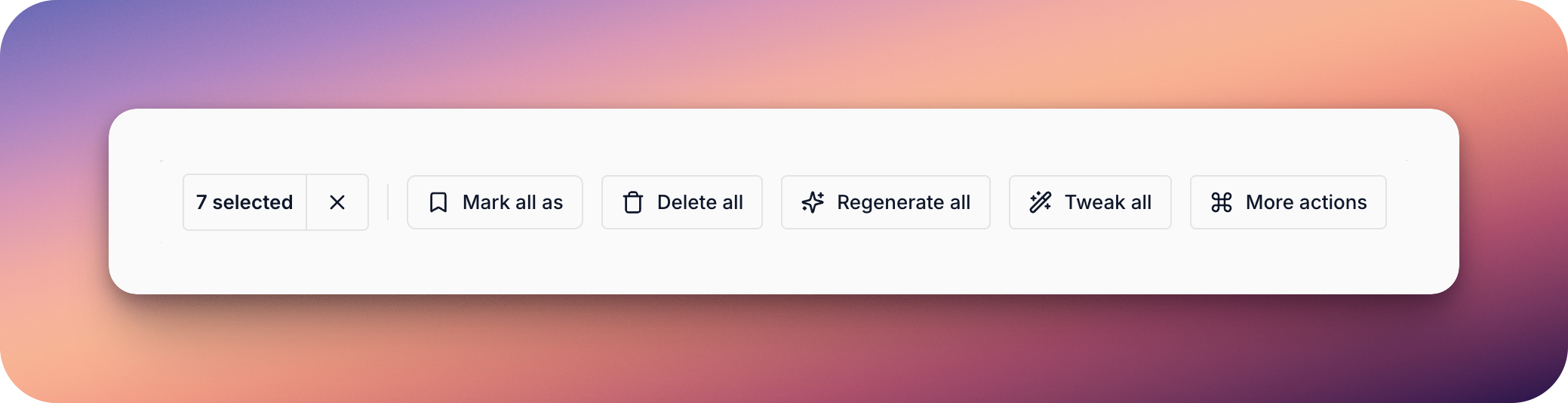
Once questions are selected, the Bulk Actions menu will appear at the bottom of the screen. Here, you’ll see the number of selected questions and options such as:
Click More Actions to access the full list of tools, such as assigning questions to a teammate or manually saving responses to Past Answers in one go.
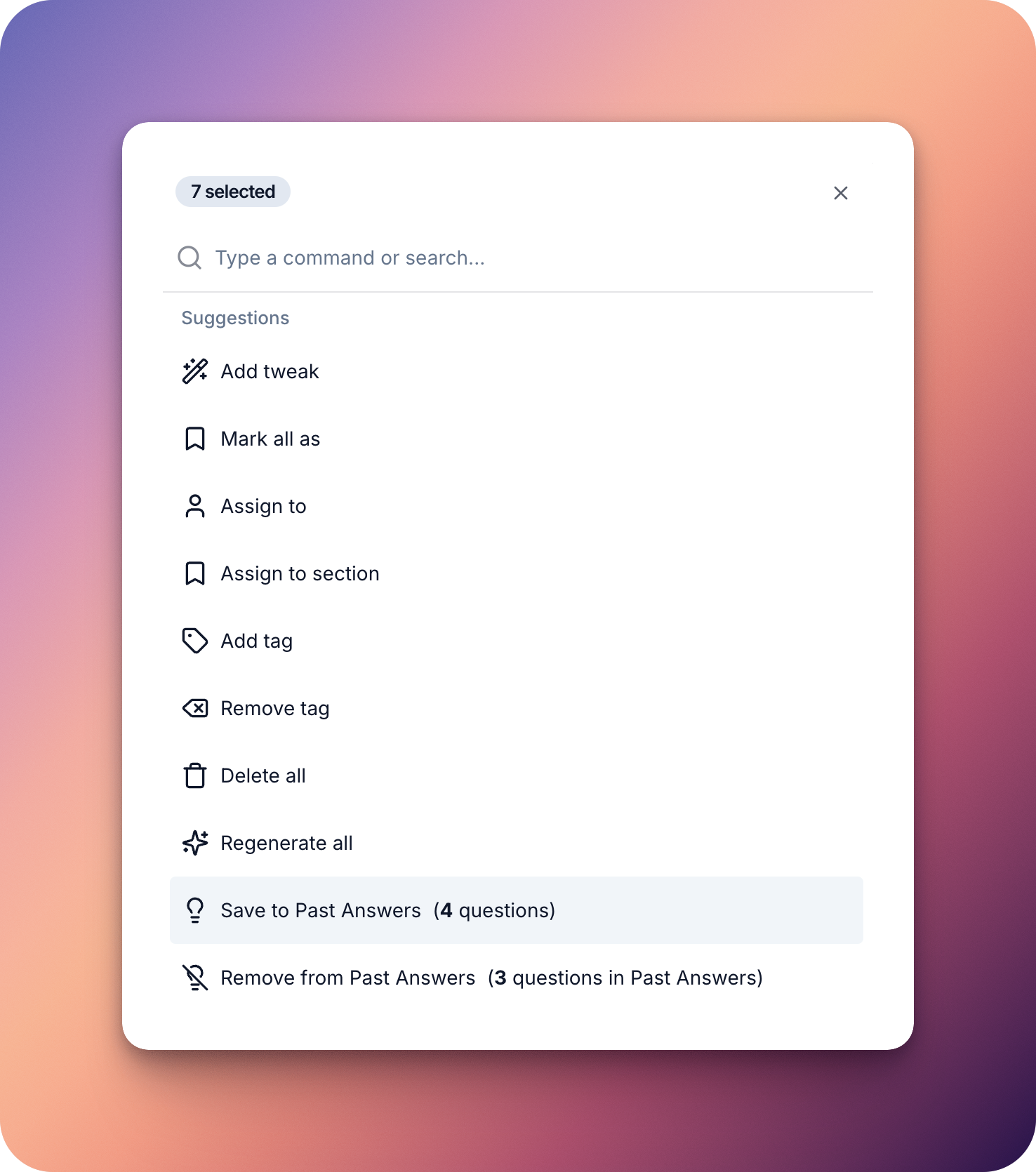
To open the Bulk Actions menu:
Once entries are selected, the Bulk Actions menu will appear at the bottom of the screen. Here, you’ll see the number of selected Past Answers and options such as Add label, applying labels to all selected entries at once, making it easy to categorise your Past Answers quickly.
To open the Bulk Actions Menu
Once documents are selected, the Bulk Actions menu will appear at the bottom of the screen. Here, you’ll see the number of selected documents and options such as:
On the Bulk Actions menu on the bottom, you'll see the number of selected Documents, alongside actions such as rescan documents, which will rescan all linked documents, whether via URL, Google Drive, or any other of your data ingestion integrations for new information. You can also add labels to multiple documents at once to categorise your Sources.
You can click on More Actions to view a full list of all actions you can perform simultaneously to multiple documents.
These tools are designed to help you handle larger questionnaires faster, without sacrificing control or accuracy.