Allow your organisation’s users to authenticate using your company’s identity provider (IdP) instead of individual Vera accounts and provide a simpler login experience and more secure access management.
You can set up Enterprise SSO in two ways: Domain-based SSO (simple setup) or SAML (advanced setup).
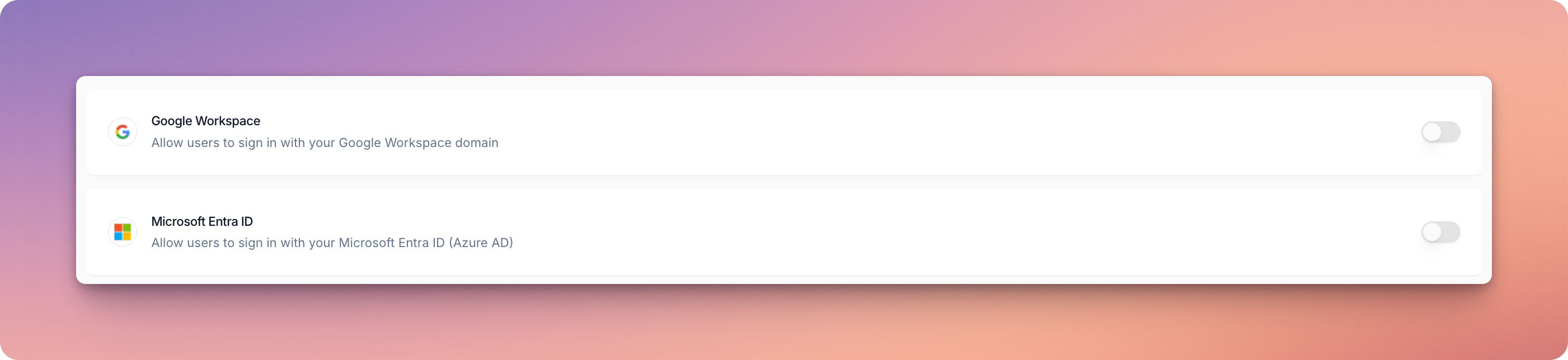
Domain-based SSO is the quickest way to enable SSO for your organisation.
It's important to note that Domain-based SSO does not allow you to control which specific users from your domain can access Vera. Anyone with the domain can log in or create an account.
Your configuration will be ready within 24 hours, and you’ll receive an email notification once it’s complete.
SAML is more complex to configure but gives you full control over who can log in to Vera. It also allows users to launch Vera directly from your IdP.
The SSO setup should be carried out by an IT administrator with experience creating applications in your IdP.
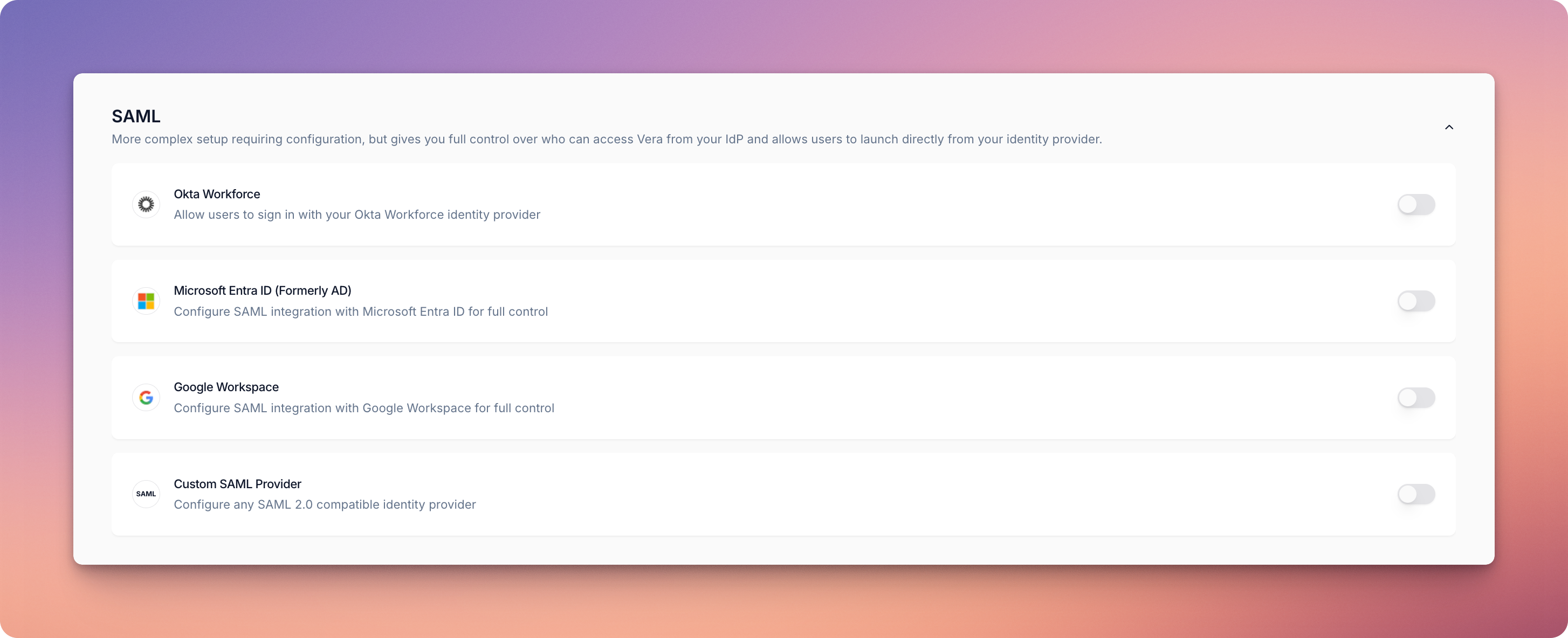
To disable either Domain-based SSO or SAML:
Changes will take effect within 24 hours, and you’ll receive an email notification once the update is complete.