What to do when the platform doesn't extract all the questions from a customer request, RFP, RFI, or Security Questionnaire
Questionnaires can come in many different formats, including some that are unfamiliar or unconventional. As a result, when importing your questions, there may be instances where certain questions or sections are missed or reordered. This guide will walk you through the steps to adjust and organise these effectively.
If Vera has extracted most or all of the questions from your file but you need to make changes, you can adjust them directly in the platform.
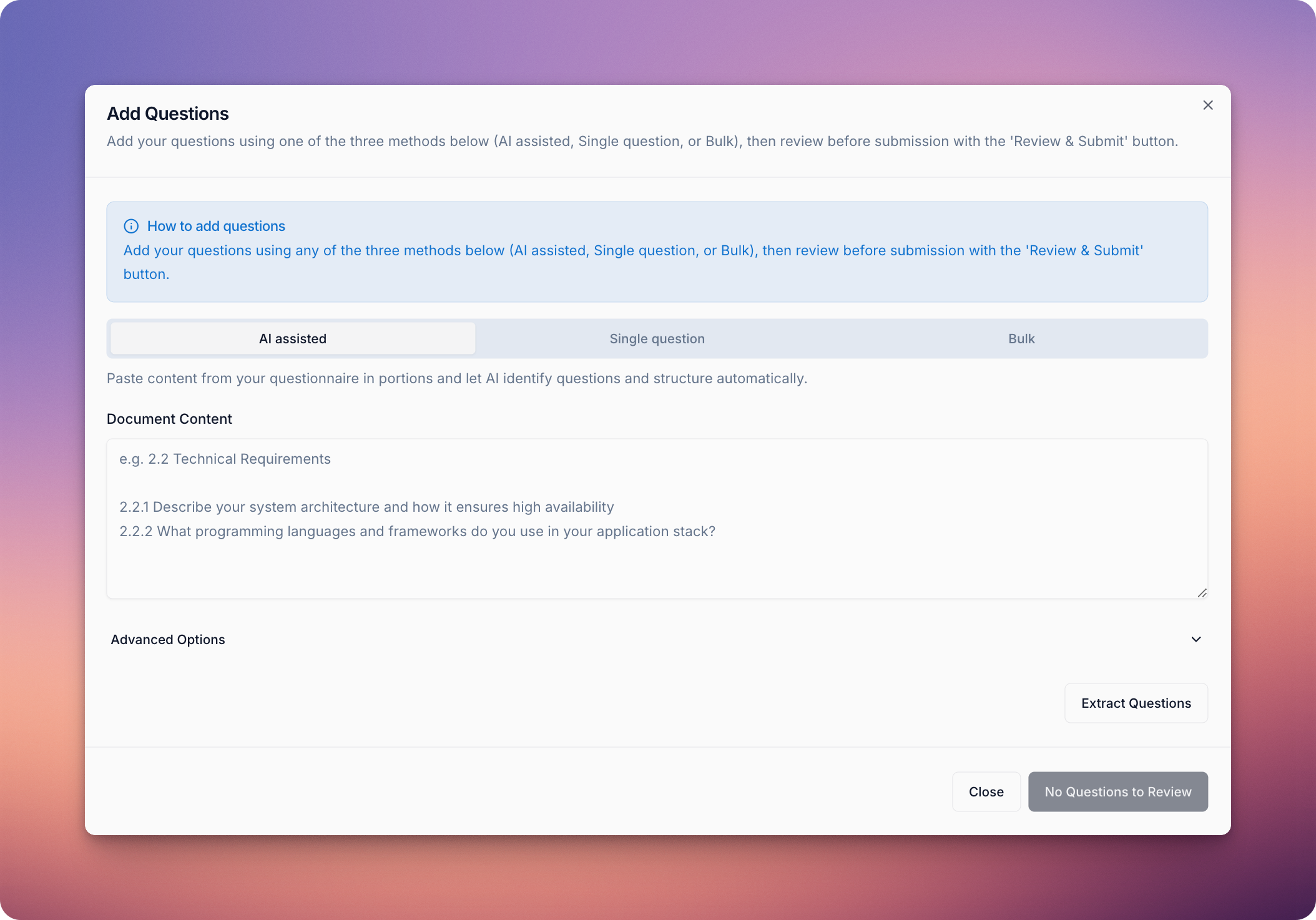
You can add a question either to a section, or independently.
When adding a question, you can choose whether Vera should generate the response or whether you want to provide the answer manually. To input the response yourself, toggle Answer using AI off under Advanced Options.
There are three ways to add new questions:
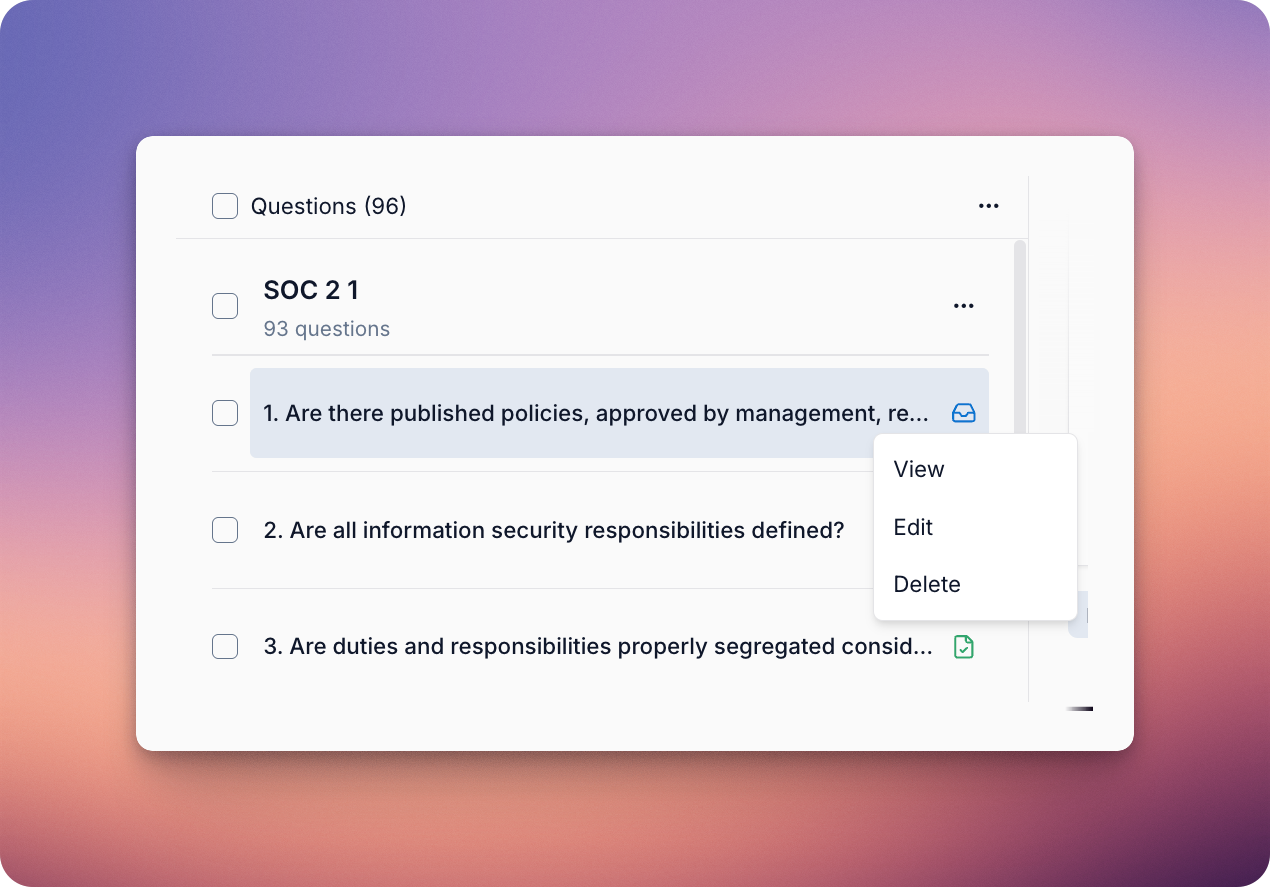
You can edit a question, it's section and it's description from the question's Edit menu by left clicking on the question in the question column, or delete a question by clicking on Delete.
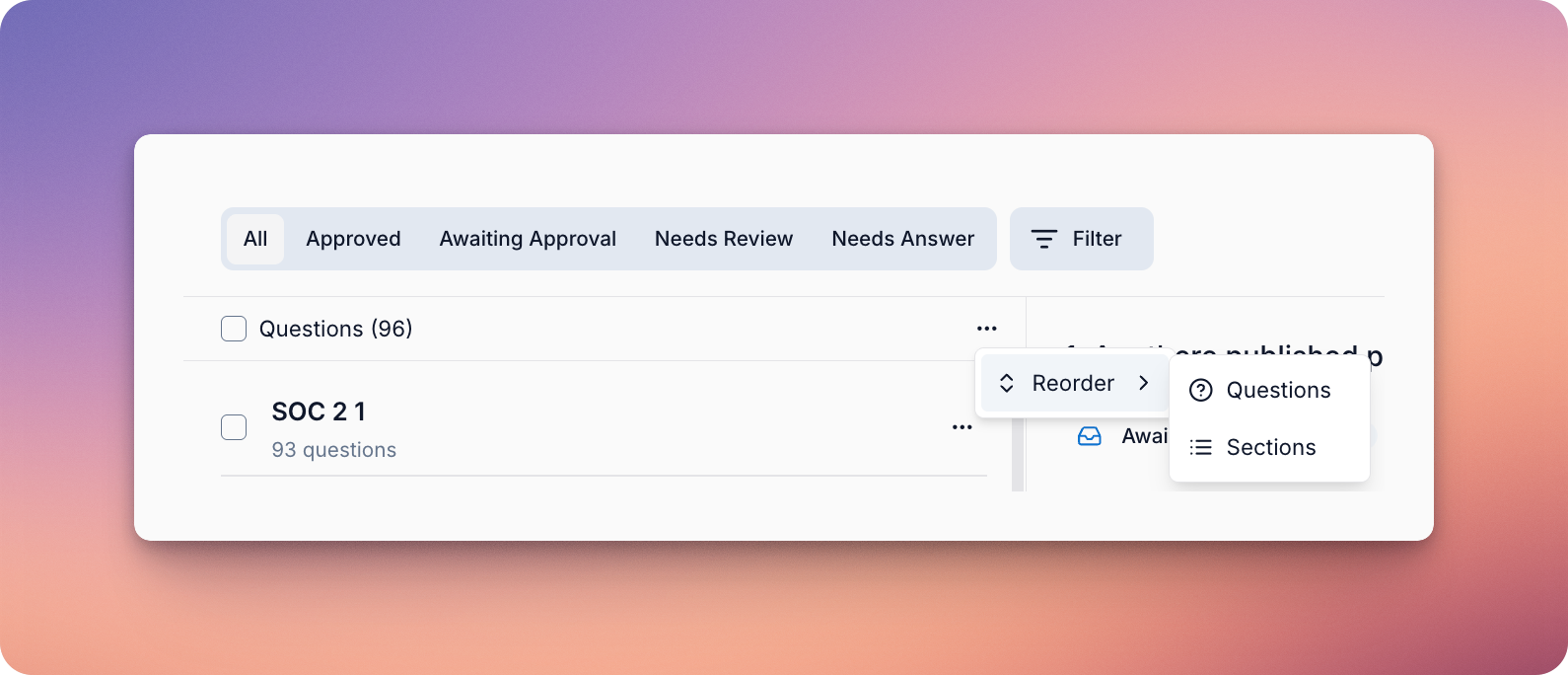
To reorder questions, click the three-dot icon next to the Questions heading, and click Reorder.
To edit a section, click the three-dot icon next to the section title and select the option to Edit section. To remove the section entirely, select the option to Delete section.
Note that this will also delete all questions within the section.
Occasionally, you may encounter an error indicating that we encountered difficulties extracting the questions. If this happens, there are a few steps you can take.
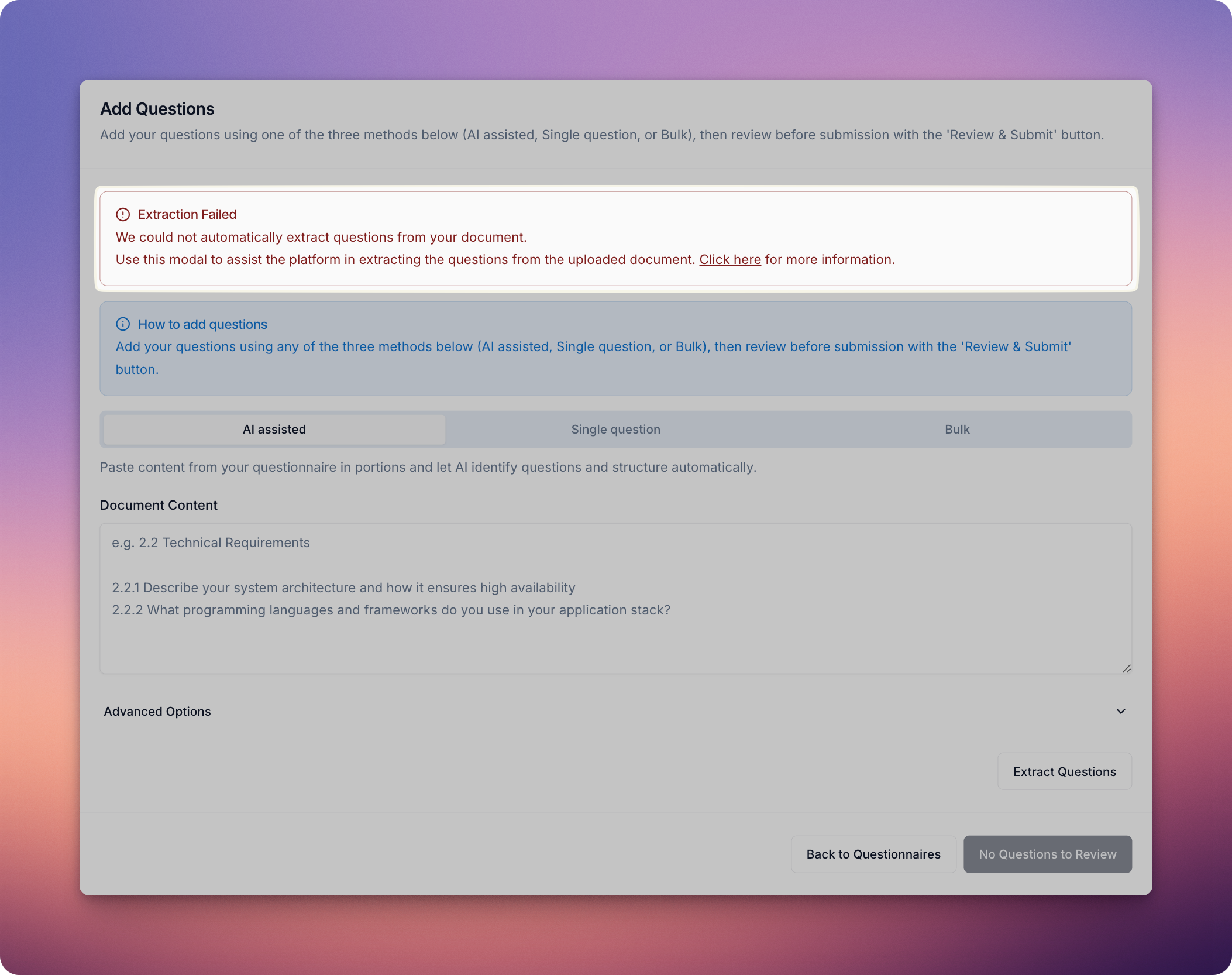
If you're on our higher plans we will look into the extraction errror, just get in touch with Customer Support at support@getvera.ai for a turnaround in under 24 hours. See plans here.
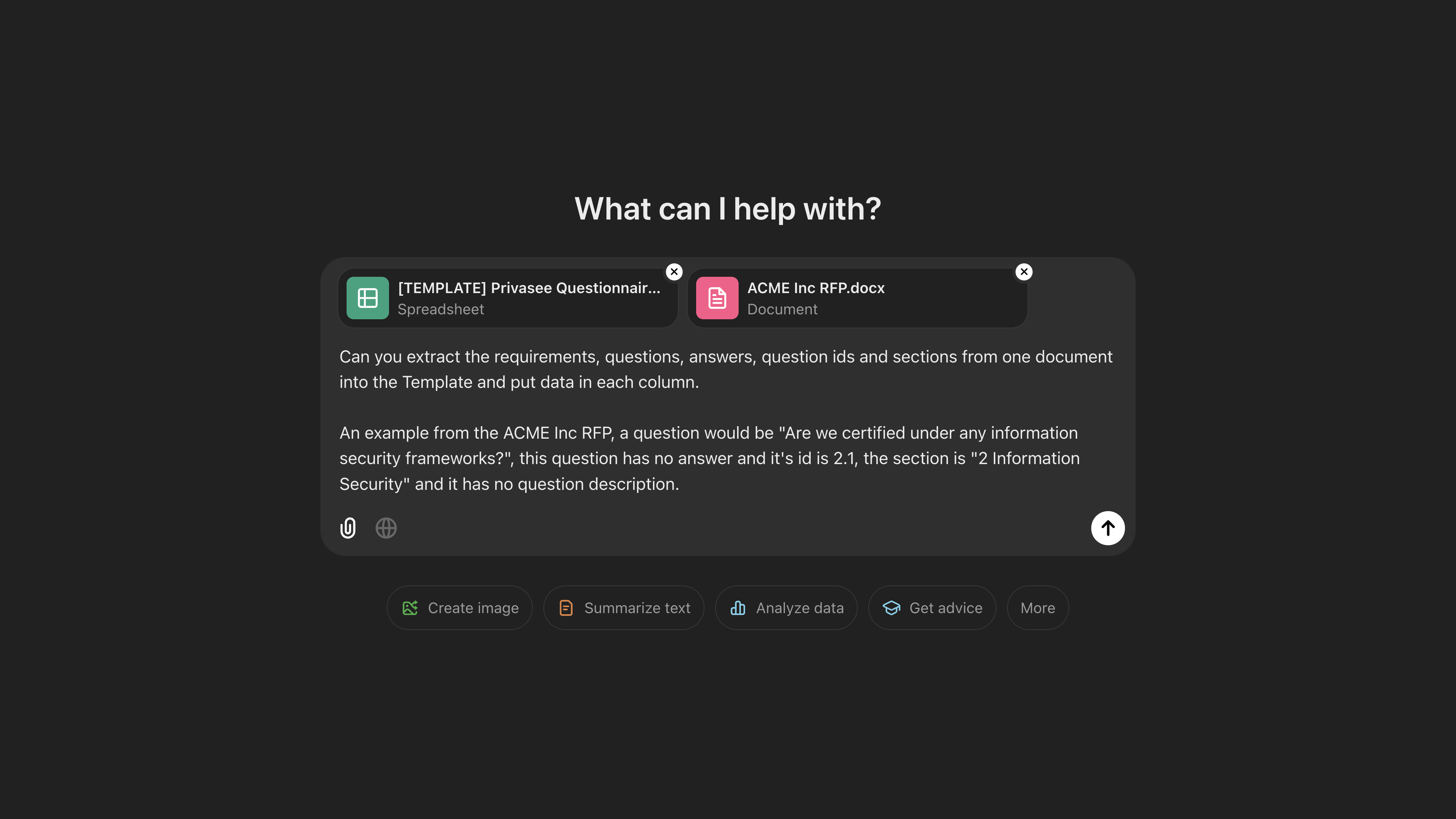
Upload the document you would like to add to the platform and prompt engineer it on ChatGPT or similar to convert your document to the format in this template. You can download it to an Excel format or make a copy to your Google Drive. Then you can upload to the platform the edited template.
We're actively improving our question extractor to get it right on the first try and allow you to prompt it as well, but with so many formats out there, we may not be able to catch them all!
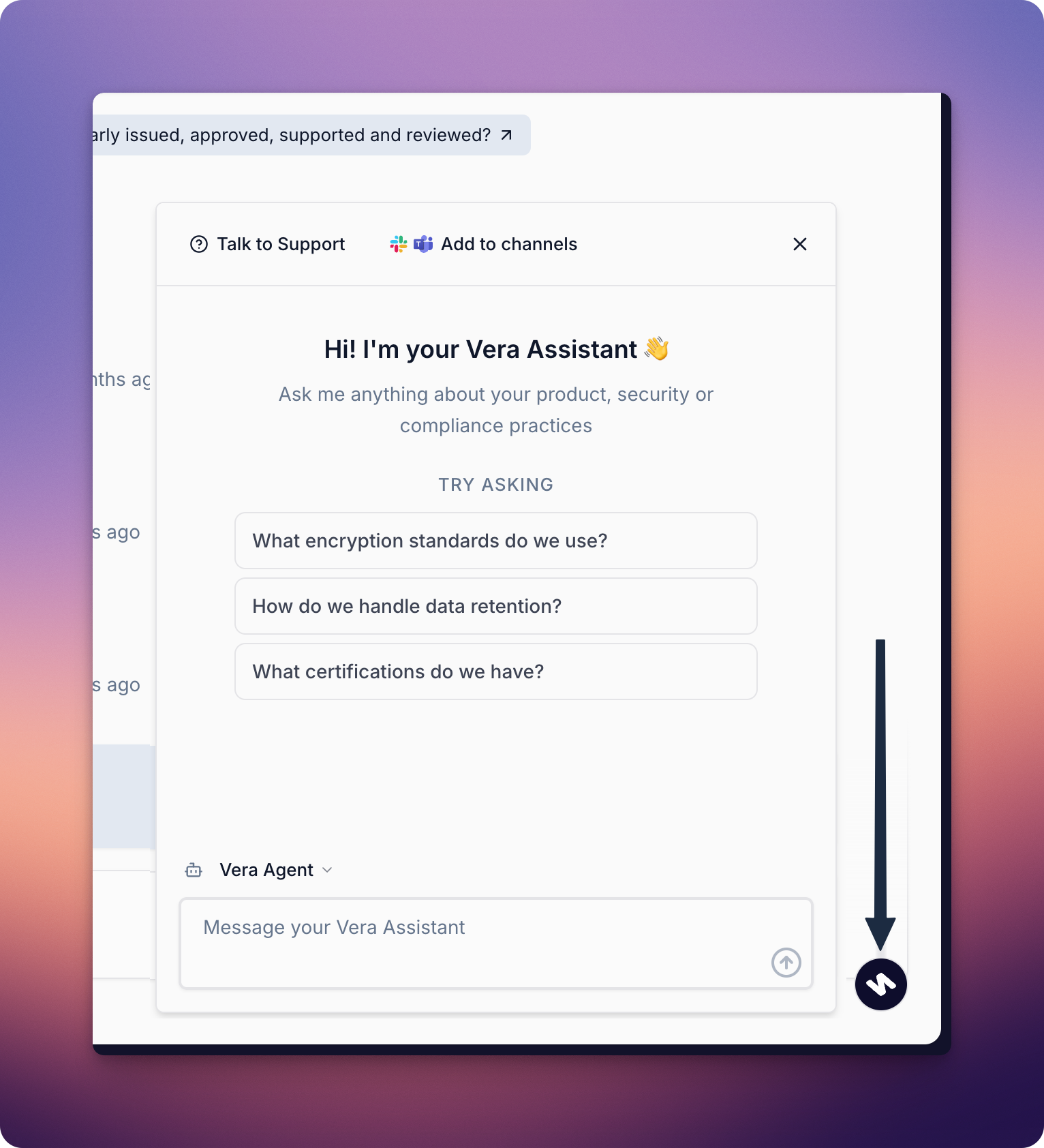
You can always ask the questions to your compliance assistant one by one via Slack, Teams, or by opening the Vera Assistant from either the platform or the chrome extension.
Import questionnaires in png form by simply taking a screenshot. A Chrome extension like 'GoFullPage' can be used to capture a full-page screenshot of a web-based questionnaire.
If all else fails, you can manually extract the questions to the platform. Select Manual Import and follow the steps outlined in the Adjusting Questions and Sections to manually add, edit and reorder questions or sections.