Four easy steps to questionnaire completion.
Go to the Documents tab in the left sidebar, click + New, and upload any policies, past questionnaires, or other documentation you want Vera to use. This step is crucial for ensuring Vera can provide accurate responses. Vera will never guess — it only generates answers based on the information you provide.
For more detail, see the Vera Setup Guide.
Navigate to the Questionnaires tab, click + New, and upload your file. You'll be asked to fill in some metadata about your questionnaire, such as the issuer company and the deal value. When done, click on Continue on the bottom right to upload the questionnaire.

As soon as the file is uploaded, Vera will start scanning for questions and generating responses automatically. You can edit, mark for review, and finalise them directly on the platform.
For more detail, see Review, Refine and Finalise Questionnaires.
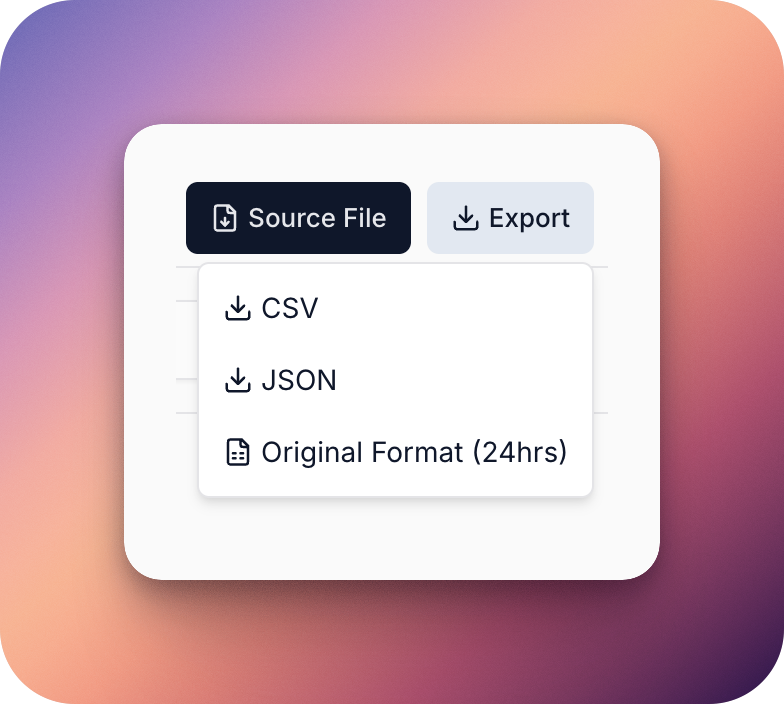
When all your answers have been reviewed and approved, click Export on the top right corner to download the completed questionnaire for submission.
These four steps should help you get that questionnaire off your desk, however if something looks off (e.g., formatting issues or missing questions), contact our support team at support@getvera.ai and we’ll be happy help you out.