Whether you’re working from a questionnaire file, completing questions in a third-party portal, or handling ad-hoc requests from clients, prospects, or colleagues, Vera helps by providing quick and accurate responses based on your company’s sources. This article gives you an overview of all the ways you can ask Vera questions, with links to detailed guides for your specific use case.
If you’ve been sent a questionnaire file, you can upload it directly to Vera. The platform will automatically scan the file, extract the questions, and generate responses based on your Documents and Past Answers. This method is best for handling full questionnaires, where a large number of questions need to be completed and working through the review and approval process efficiently is key.
☞ For detailed instructions, head over to Completing a Questionnaire from a File
Sometimes clients provide access to a third-party portal such as OneTrust, BitSight, or LogicGate where you are expected to complete a questionnaire online. The Vera Chrome extension makes this easy: simply provide a link to the portal and Vera will handle the rest. This method lets you manage questionnaires that sit outside your usual workflows, while still benefiting from Vera’s automated response generation
☞ To download and use the Chrome Extension, see Completing Questionnaires from Portals
Not all requests come in the form of structured questionnaires. Your team may get one-off questions via email, Slack, Teams or even in spoken conversation. Vera also helps you handle ad-hoc questions from prospects, clients, or colleagues, whether they are simple one-offs or part of an ongoing conversation.
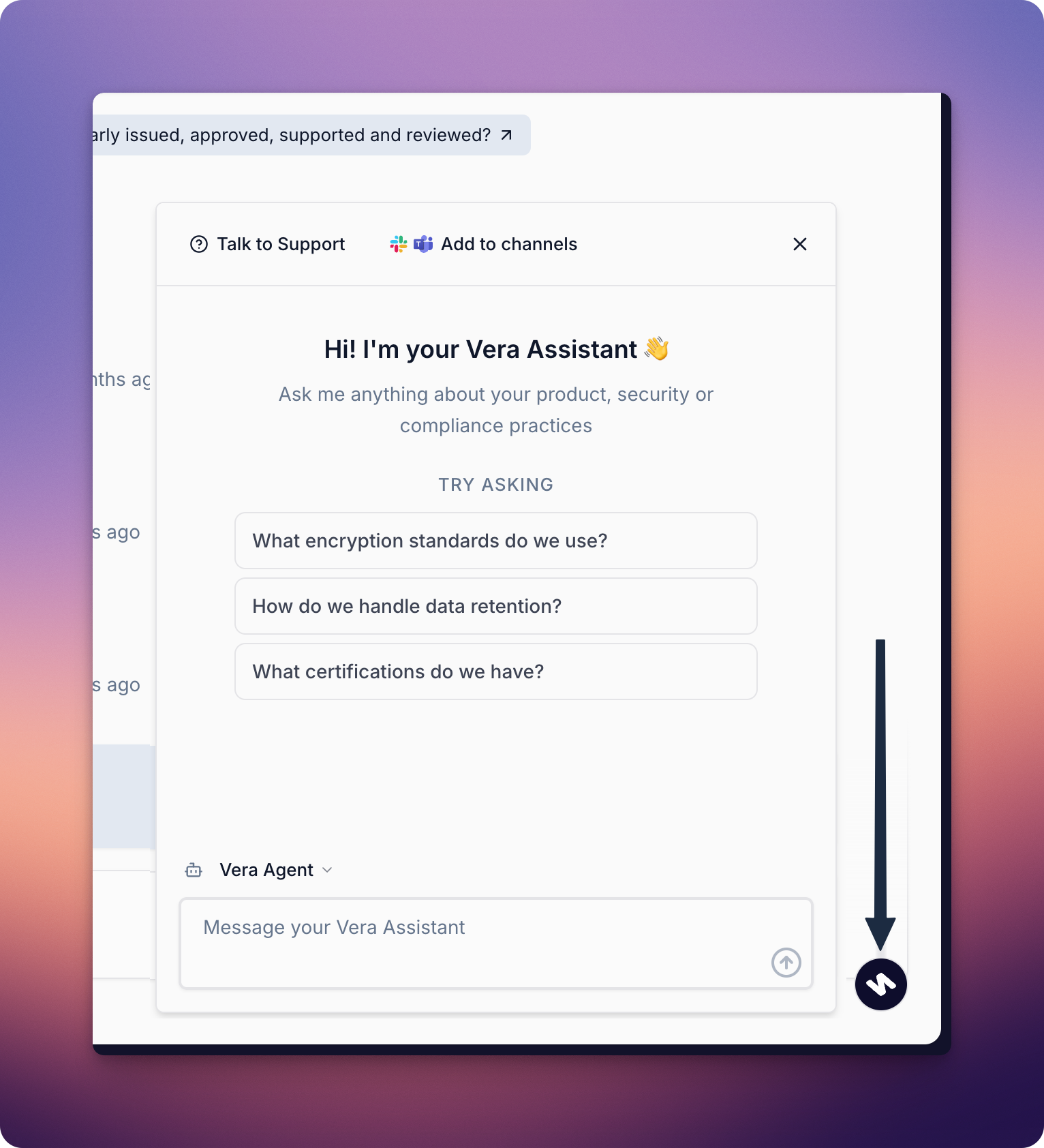
The assistant in the bottom corner of the Vera platform is always available to help. You can type in any question and receive a response based on the same trusted sources used for questionnaires. This is the simplest way to ask questions if you are working on the Vera platform.
The Vera browser extension makes it possible to ask questions while working in other tools. Whether you’re reviewing a document, replying to an email, or completing a task in another tab, Vera can meet you where you are without switching back to the platform.
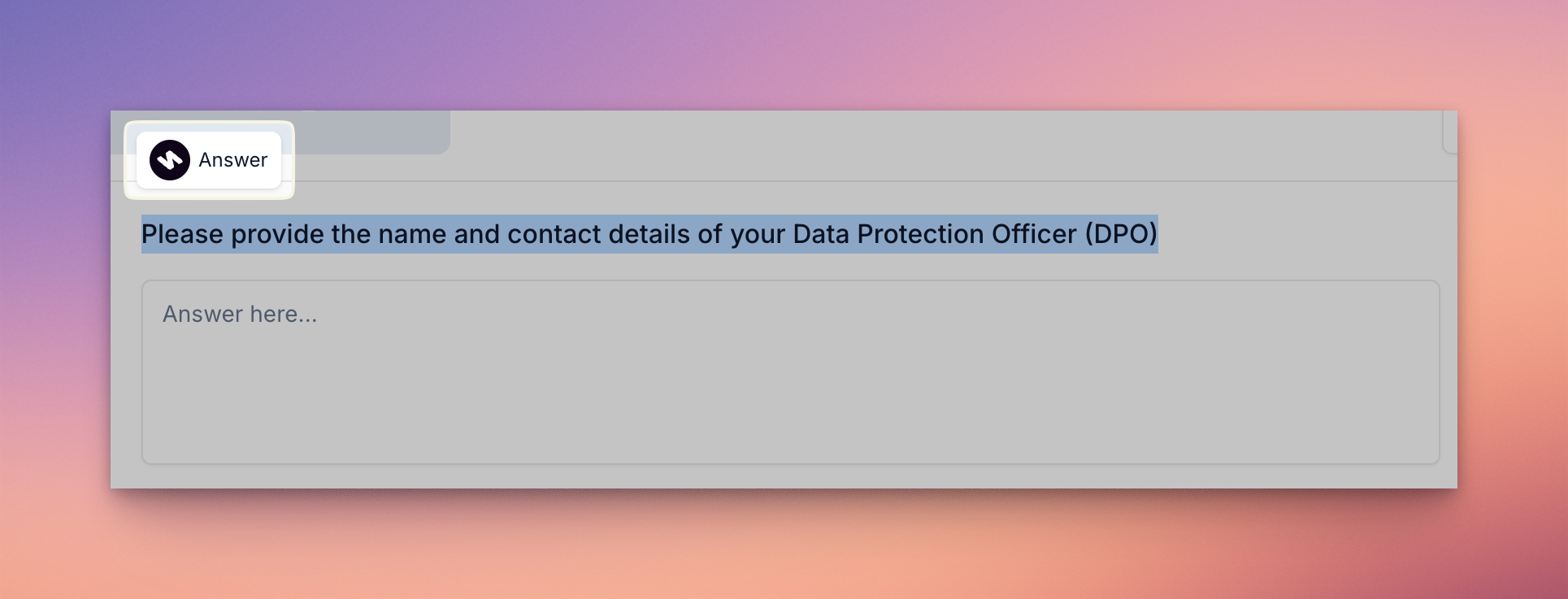
Highlight a questions on your browser and click on the Answer button that appears — Vera will instantly generate a source-backed response. You can also launch the assistant at any time by clicking Open AI assistant from the Chrome extension.
☞ To download and use the Chrome Extension, see Completing Questionnaires from Portals
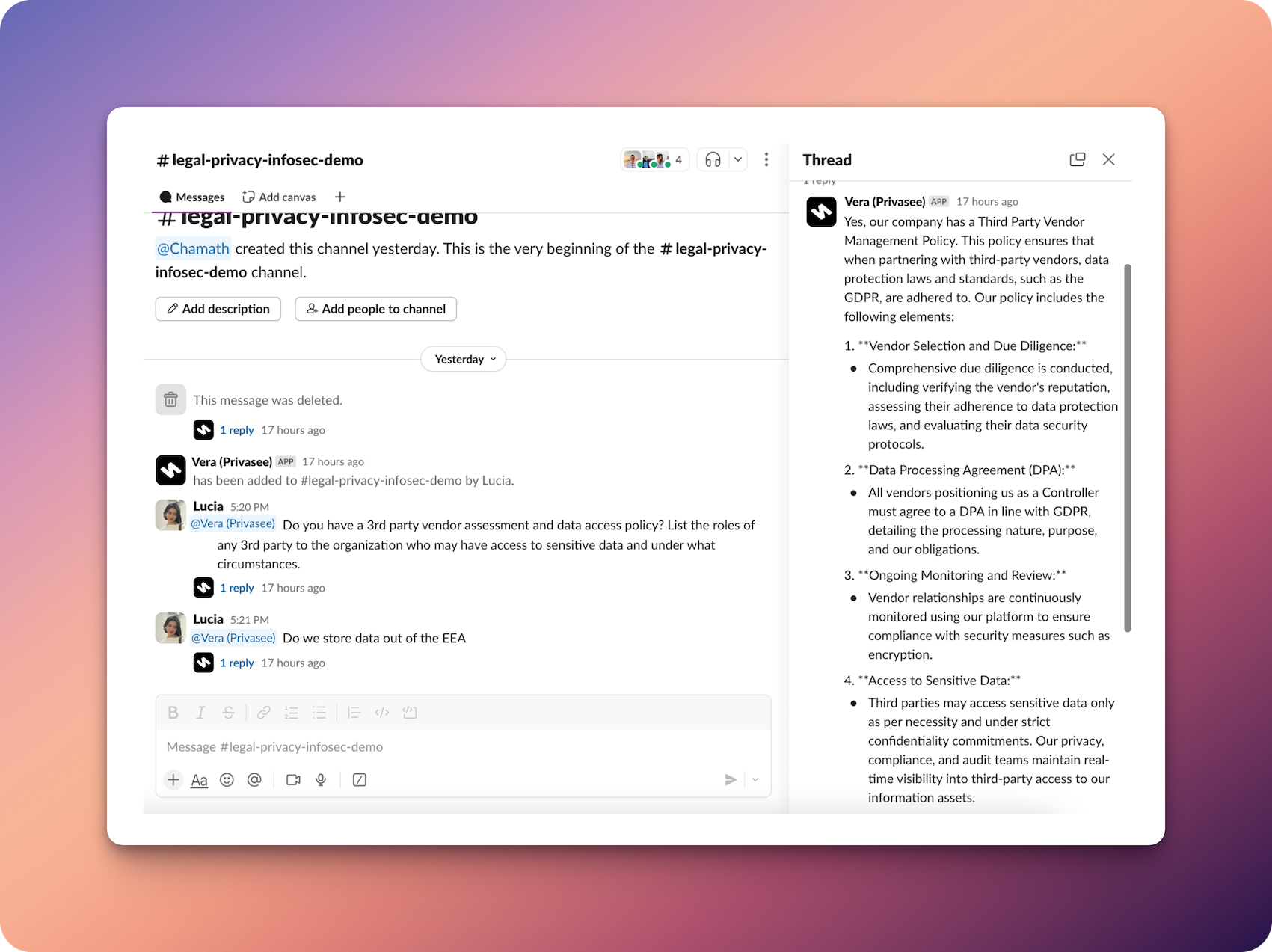
If your team lives on Slack or Microsoft Teams, you can bring Vera right into those conversations. Ask questions directly from your communication platform and get instant responses without leaving the discussion. Your team can chat with Vera on Slack or Teams and receive trusted, accurate answers — almost like having a know-it-all teammate always on hand.
☞ To integrate Vera with your communication platform, visit Integrations