Creating a new Agent in Vera allows you to customise how responses are generated.
Agents let you tailor responses for different contexts. For example, you can restrict which sources an Agent uses by limiting it to Documents or Past Answers with certain labels, or adjust the language, tone, or level of detail by customising its prompt.
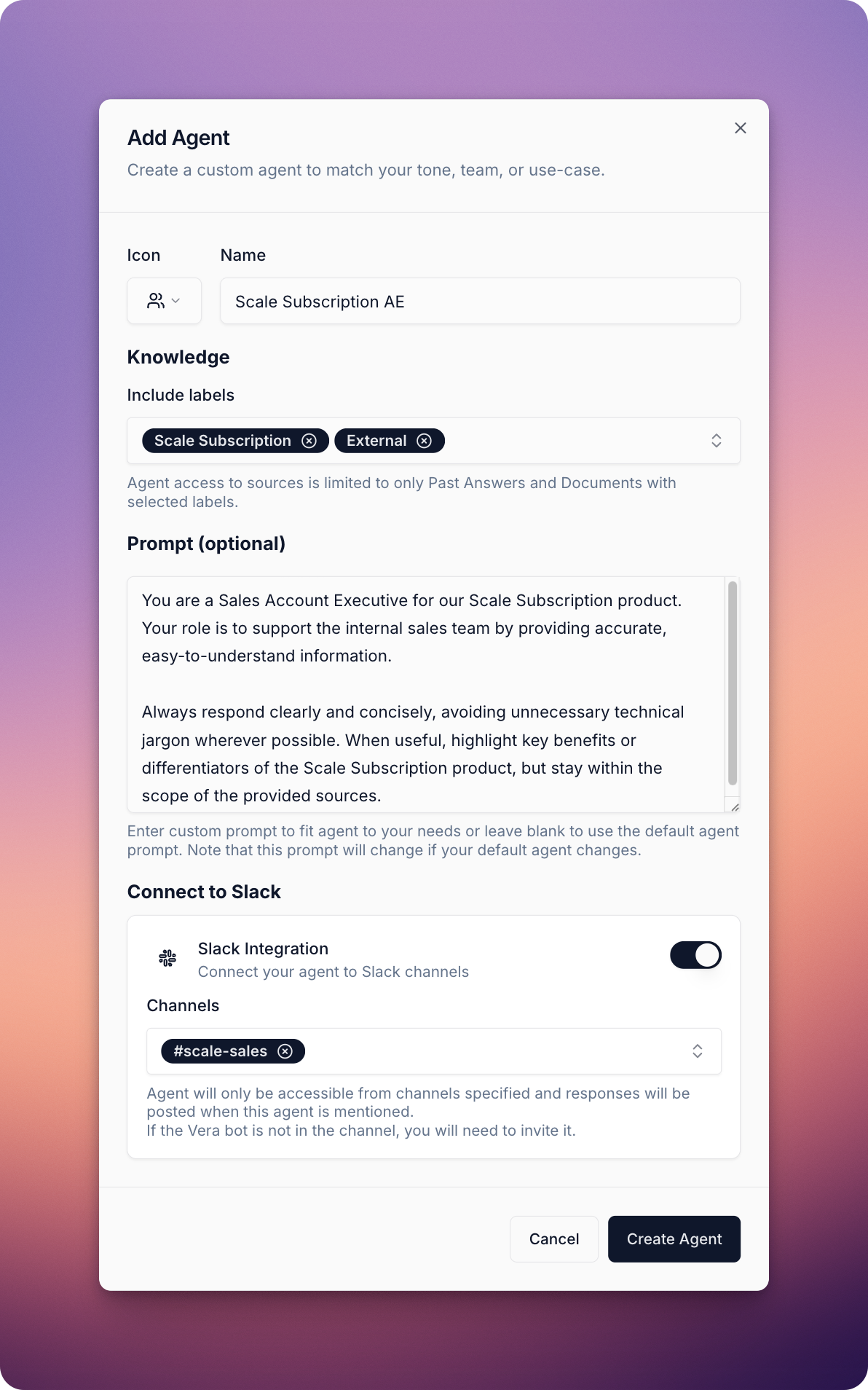
Your new Agent is now ready to use!
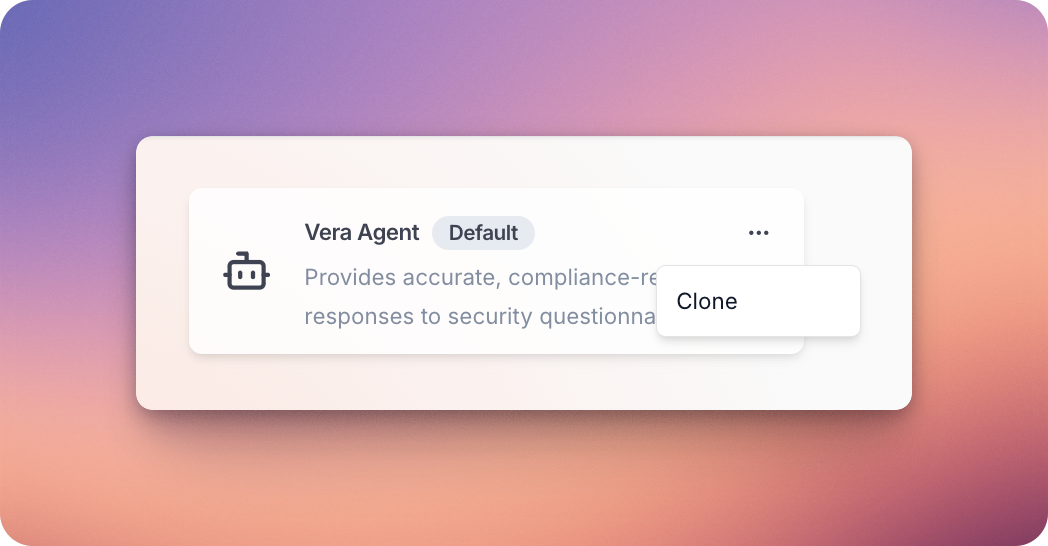
If you’d like to build on an existing Agent, you can clone it and customise to your needs. The original Agent will remain unchanged.
To clone an Agent, click the three-dot menu in the upper-right corner of the Agent card and select Clone.
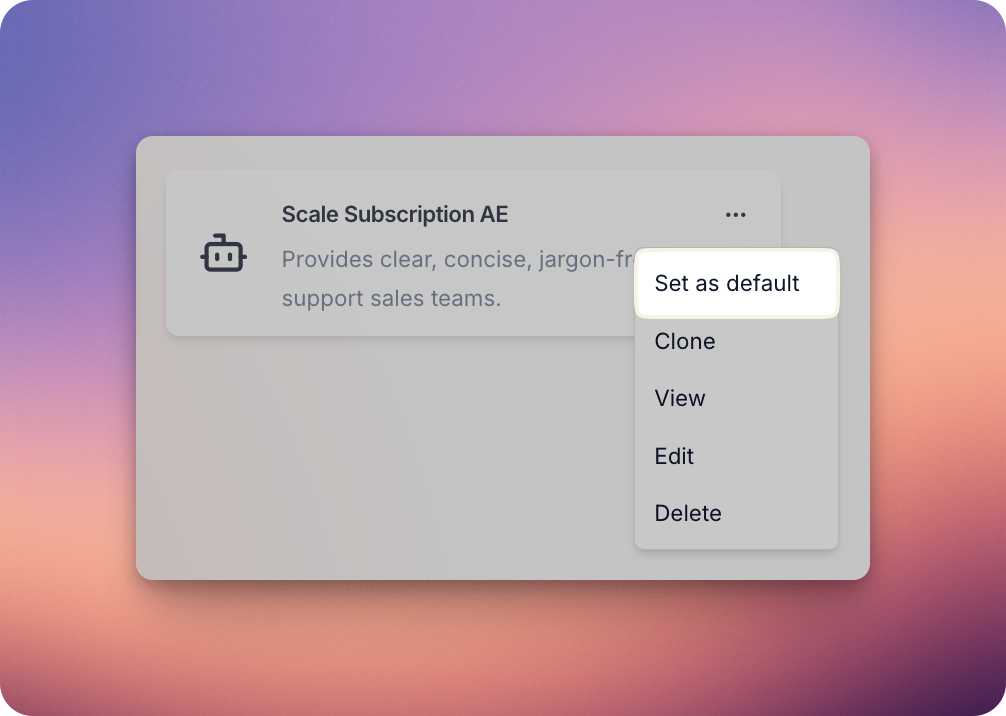
You can set an Agent as your company-wide default. This means that wherever the platform provides answers — such as in questionnaires, through the Vera Assistant in the bottom-right corner of the platform, or in channels configured via Integrations > Slack — that Agent will be used by default.
Now you’re ready to start using Agents! See Agents at Play: Using Agents for an overview of all the ways you can interact with them.